
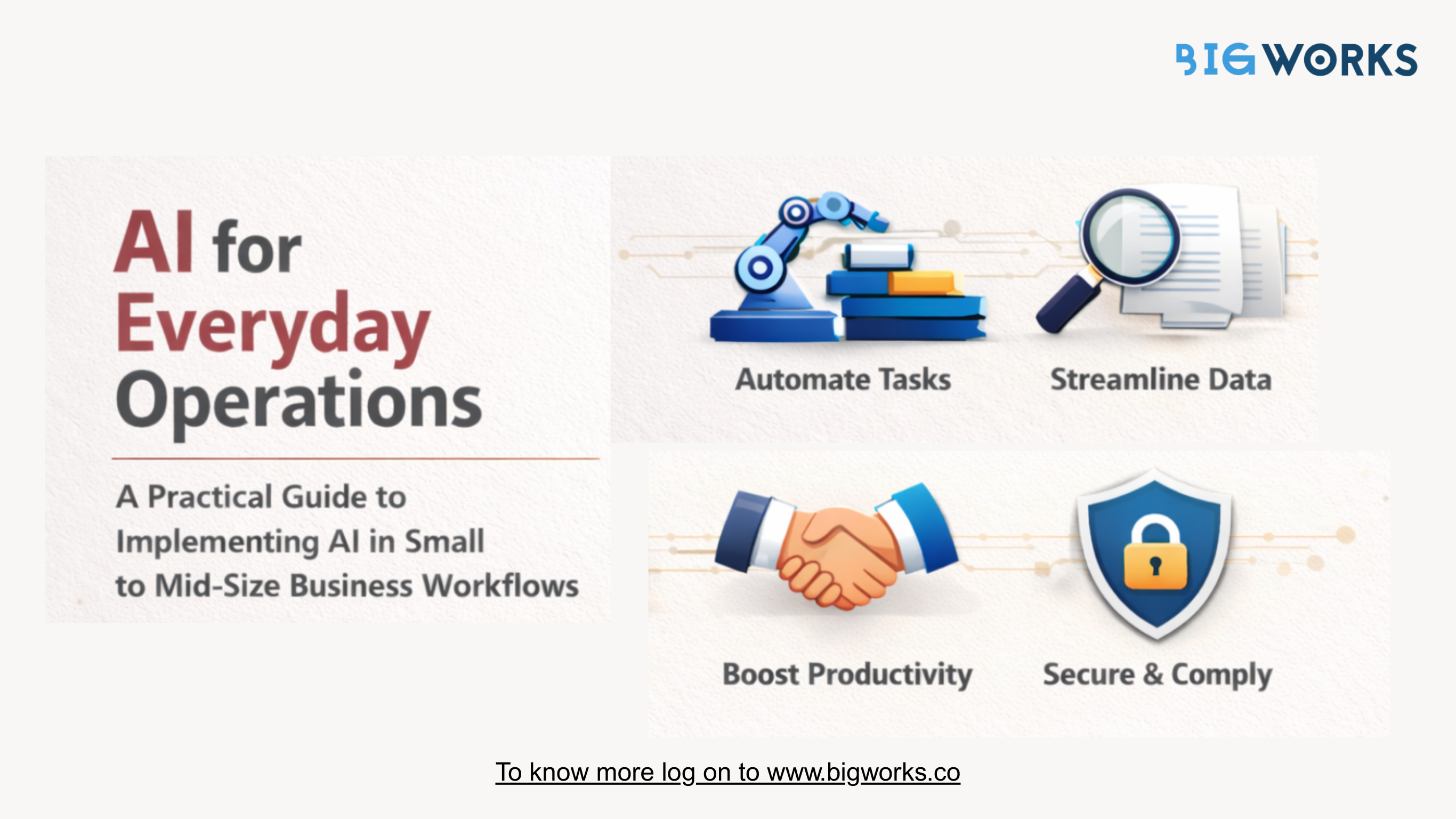

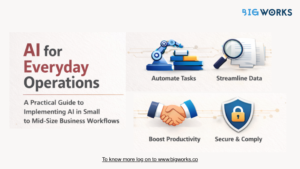
A Practical Guide to Implementing AI in Small to Mid-Size Business Workflows
Introduction
Artificial intelligence is no longer reserved for large enterprises with deep pockets and dedicated data science teams. In 2025, AI has become practical, accessible, and increasingly essential for small to mid-sized businesses.
From automating repetitive tasks to improving customer communication and data management, AI is helping SMBs compete with larger organisations by working smarter, not harder. The challenge is not whether to adopt AI, but how to implement it in a way that delivers real value without overwhelming teams or budgets.
This guide breaks down how SMBs can realistically introduce AI into everyday workflows and start seeing results quickly.
Why AI Matters for SMBs Today
Small and mid-sized businesses face unique pressures. Limited resources, lean teams, and growing customer expectations leave little room for inefficiency.
According to McKinsey, AI adoption can improve operational productivity by up to 40 percent in process driven functions such as sales operations, customer support, and finance.
Source: https://www.mckinsey.com/capabilities/quantumblack/our-insights/the-state-of-ai
For SMBs, even modest efficiency gains translate directly into cost savings and faster growth.
Start with High Impact, Low Complexity Use Cases
The biggest mistake SMBs make with AI is trying to do too much at once. Successful adoption starts with workflows that are repetitive, time-consuming, and data-heavy.
Common AI Ready Workflows
Customer support ticket routing and response suggestions
Sales follow-ups and lead prioritisation
Document classification and retrieval
Email personalisation and scheduling
Internal reporting and data summaries
These workflows do not require custom AI models or advanced infrastructure. They can be implemented using existing platforms with built-in AI capabilities.
Embed AI Into Existing Tools
SMBs should avoid introducing AI as a standalone system. The most effective implementations integrate AI into tools teams already use.
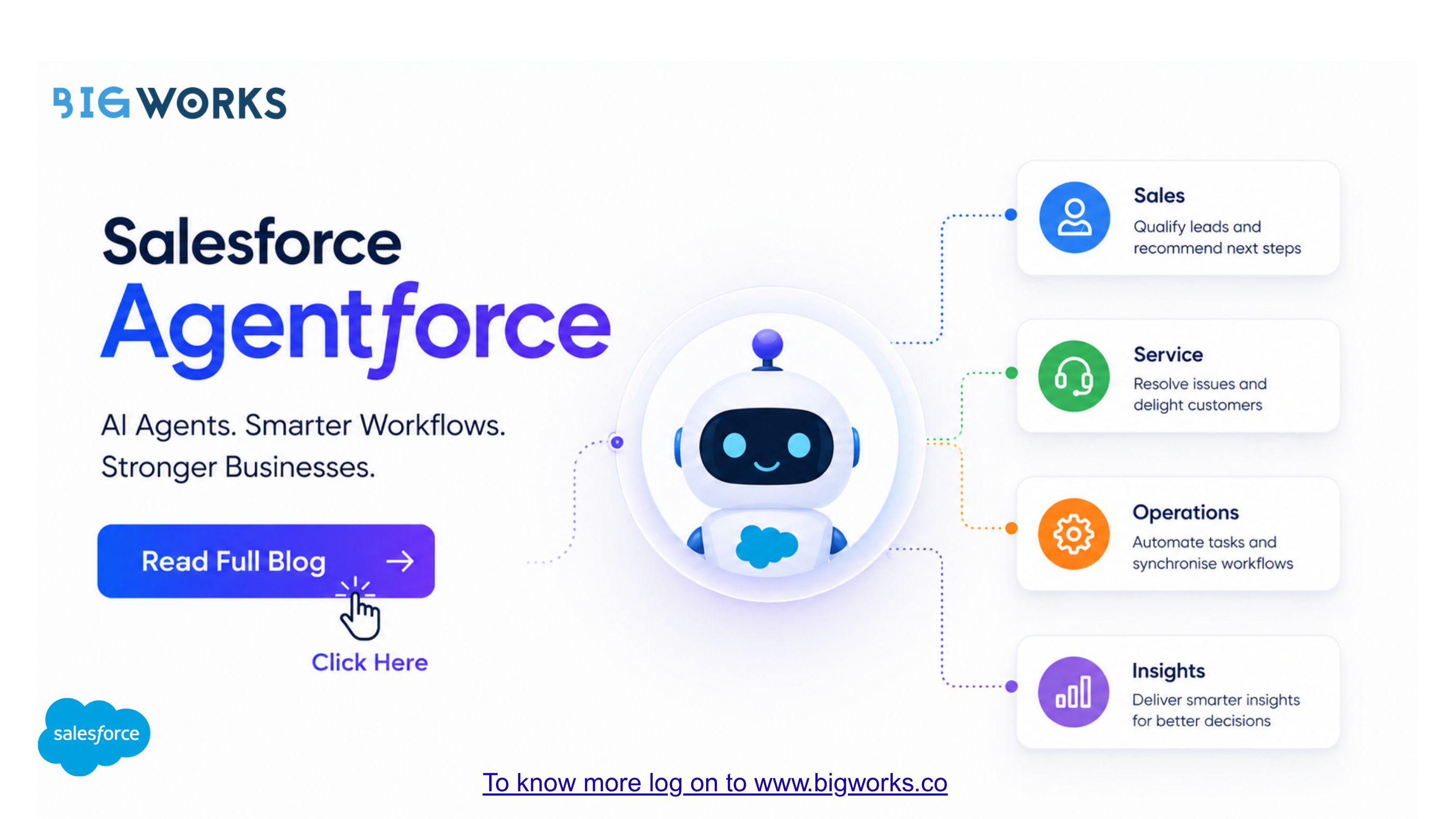
CRMs like Salesforce, productivity tools, and document management systems increasingly offer native AI features. Embedding AI into familiar workflows reduces training time and improves adoption.
According to Salesforce, teams using AI-powered CRM features see a 29 percent increase in productivity.
Source: https://www.salesforce.com/resources/research-reports/state-of-small-business/
Use AI to Reduce Manual Work, Not Replace Teams
AI works best as an assistant, not a replacement. For SMBs, the goal is to remove friction from daily work so teams can focus on decision making and customer relationships.
Examples include automatically summarising customer interactions, flagging overdue tasks, or surfacing relevant documents during sales or support conversations.
This approach builds trust in AI and ensures teams see it as a productivity enabler rather than a threat.
Data Quality Comes First
AI is only as effective as the data it works with. Before implementing AI, SMBs should focus on organising and standardising their data.
This includes cleaning CRM records, centralising documents, and defining consistent naming conventions. AI applied to messy data leads to unreliable outputs and frustration.
Gartner reports that poor data quality costs organisations an average of 15 percent of revenue annually.
Source: https://www.gartner.com/en/articles/the-real-cost-of-poor-data-quality
Governance Without Complexity
AI adoption does not eliminate the need for governance. SMBs should define clear rules around access, data usage, and approvals, especially when dealing with customer data and documents.
The advantage today is that many AI-enabled platforms include built-in security, audit logs, and role-based permissions. This allows SMBs to stay compliant without heavy IT oversight.
Where AI Meets Workflow Management
For SMBs managing growing workloads, AI becomes even more powerful when paired with workflow and document management systems.
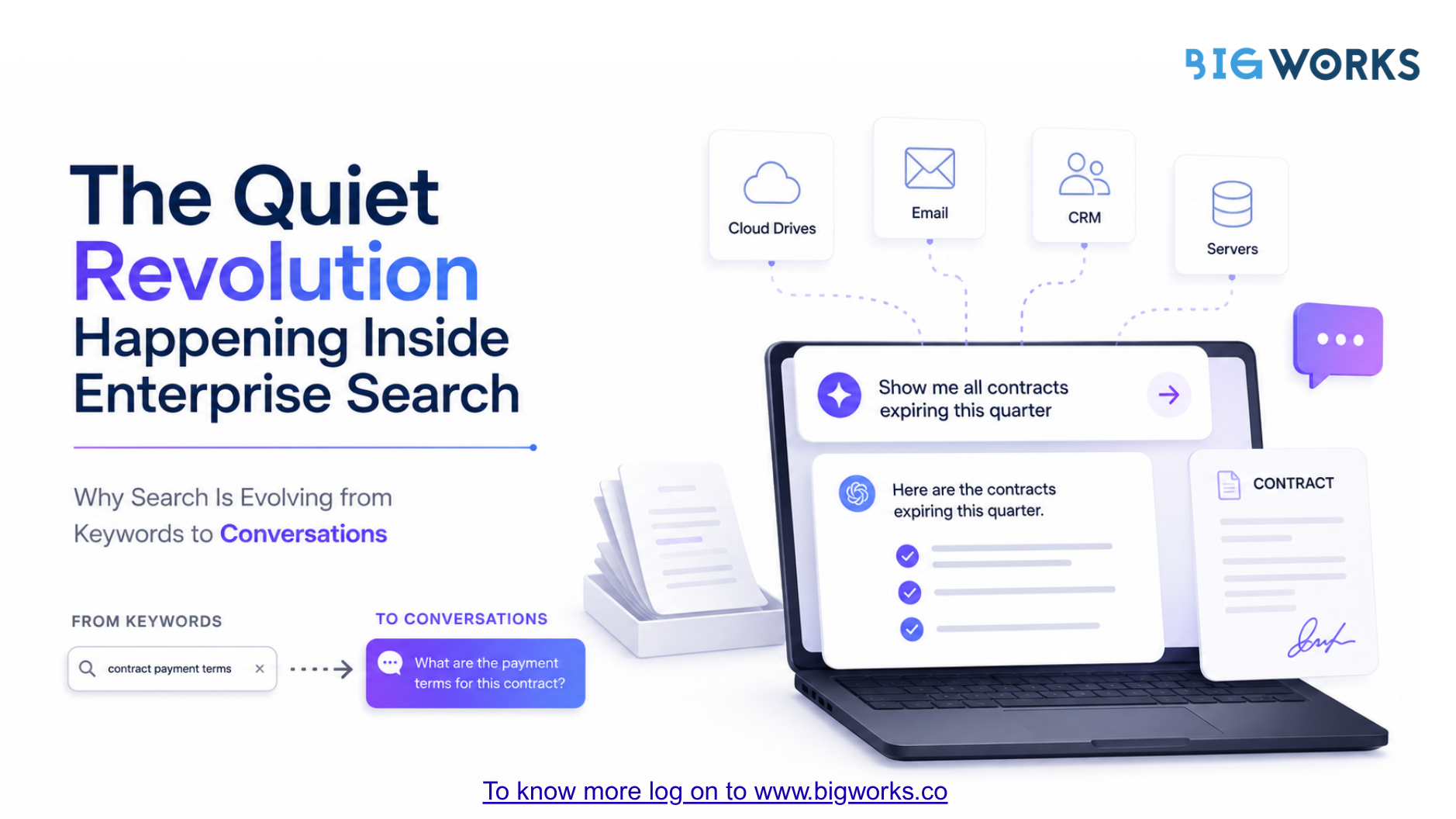
For example, AI-driven document classification and search within CRM systems helps teams find the right information instantly. Instead of manually tagging or sorting files, AI automatically organises documents based on content and context.
This is particularly valuable for businesses handling contracts, proposals, and compliance documents at scale.
Measuring Success
AI success should be measured in practical terms, not technical metrics.
Key indicators include:
- Time saved per workflow
Reduction in manual errors
Faster response times
Improved customer satisfaction
Higher team output without added headcount
According to PwC, organisations that track AI impact at the workflow level are twice as likely to report positive ROI.
Source: https://www.pwc.com/us/en/tech-effect/ai-analytics.html
Conclusion
AI adoption for small to mid-sized businesses does not require massive transformation or technical expertise. It requires focus, clarity, and alignment with real business problems.
By starting small, embedding AI into existing tools, and prioritising data quality, SMBs can unlock meaningful productivity gains without disrupting operations.
A Salesforce-First Checklist for Implementing AI in SMB Workflows
Who This Guide Is For
This checklist is designed for small and mid-sized businesses that use Salesforce as their primary CRM and want to introduce AI without disrupting existing workflows or overloading IT teams.
Phase 1: Anchor AI to Salesforce Outcomes
AI initiatives should begin with CRM outcomes, not tools.
- ☐ Identify Salesforce workflows with the highest manual effort
- ☐ Prioritise use cases tied to revenue, service, or compliance
- ☐ Define success metrics inside Salesforce (time to close, case resolution time, document turnaround)
- ☐ Avoid AI experiments that sit outside CRM processes
Salesforce should remain the system where decisions happen.
Phase 2: Clean and Contextualise Salesforce Data
AI works best when CRM data is structured and complete.
- ☐ Audit account, opportunity, case, and contact records
- ☐ Standardise mandatory fields across teams
- ☐ Eliminate duplicate or outdated records
- ☐ Ensure documents are linked to the right Salesforce objects
Using Salesforce-native document storage like DocuVault ensures documents stay contextual, searchable, and secure.
Phase 3: Start with AI Assistance, Not Automation
SMBs benefit most from AI that supports users rather than replaces them.
- ☐ Use AI to recommend next steps for sales or service teams
- ☐ Enable document tagging and classification inside Salesforce
- ☐ Prioritise leads, cases, or tasks using AI insights
- ☐ Keep approvals and final actions human-led initially
This approach builds trust and adoption.
Phase 4: Automate Documents Where Salesforce Already Operates
Documents are a high-impact entry point for AI.
- ☐ Auto-generate contracts, proposals, and reports from Salesforce data
- ☐ Store documents natively within Salesforce records
- ☐ Enable version control and audit trails
- ☐ Reduce manual uploads, naming, and searching
DocuVault supports this by turning Salesforce documents into structured, actionable assets.
Phase 5: Choose No-Code Tools Built for Salesforce
Speed and simplicity matter for SMBs.
- ☐ Avoid tools that require custom development
- ☐ Select Salesforce AppExchange solutions with native integration
- ☐ Ensure workflows can be updated by business users
- ☐ Look for tools that scale without reimplementation
Salesforce-native platforms reduce risk and accelerate adoption.
Phase 6: Keep AI Inside Salesforce Screens
AI should appear where teams already work.
- ☐ Surface insights directly in Salesforce records
- ☐ Avoid standalone dashboards or external portals
- ☐ Ensure AI suggestions are contextual to accounts or opportunities
- ☐ Minimise context switching for users
The more embedded the AI, the higher the usage.
Phase 7: Apply Salesforce Security and Governance
AI must follow existing CRM controls.
- ☐ Use Salesforce role-based access for AI workflows
- ☐ Maintain document-level permissions
- ☐ Track AI-driven actions with audit logs
- ☐ Align with internal compliance and data policies
Salesforce-native tools inherit enterprise-grade security by default.
Phase 8: Train Teams Using Salesforce Scenarios
Adoption depends on relevance.
- ☐ Train teams using real Salesforce records
- ☐ Demonstrate faster deals or quicker case resolution
- ☐ Collect feedback from frontline users
- ☐ Improve workflows iteratively
Practical training beats theory every time.
Phase 9: Measure ROI Directly in Salesforce
What gets measured gets adopted.
- ☐ Track time saved per process
- ☐ Monitor deal velocity and service metrics
- ☐ Measure document turnaround times
- ☐ Review AI impact quarterly
If the value is visible in Salesforce reports, it sticks.
Final Takeaway
For Salesforce-first SMBs, AI adoption should feel like an extension of existing CRM workflows, not a separate transformation project. By starting with document-heavy processes, using no-code Salesforce-native tools, and keeping governance intact, businesses can unlock real productivity gains without complexity.
The most successful teams build AI into Salesforce gradually, visibly, and with purpose.